How to Create a Digital Business Card for Free: Step-by-Step Guide
How to Create a Digital Business Card for Free
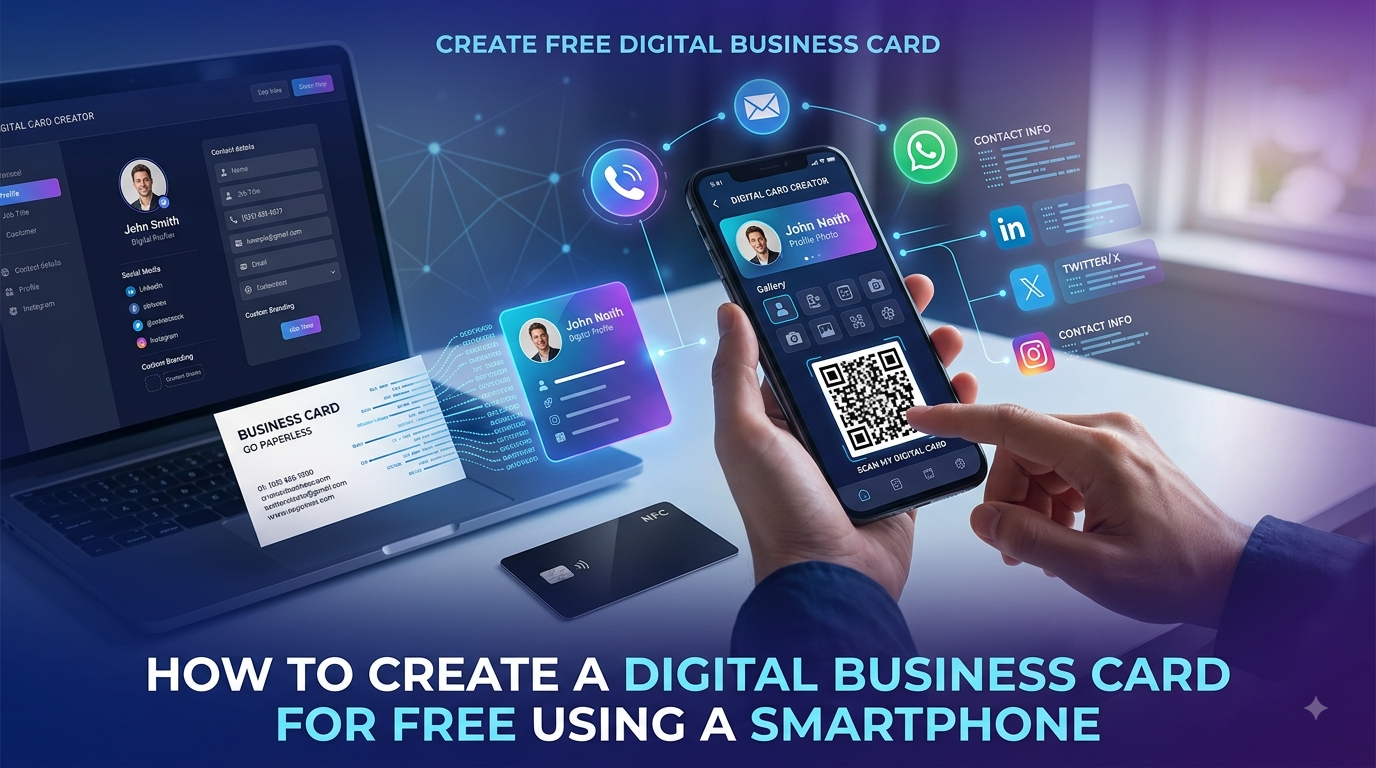
A business card is still one of the simplest ways to introduce yourself, but you don't always need a printed card to share your professional information.
其他digital business cardallows you to create an online profile containing your name, business details, phone number, email, website, WhatsApp, social media profiles and other important information.
The best part is that you can create digital business card for free without spending money on printing.
Whether you're an entrepreneur, freelancer, salesperson, consultant, real estate agent, student, creator, or small business owner, a free digital business card can make networking easier.
In this guide, we'll explainhow to create a digital business card for free, what information you should include, how to share it, and how tools such as QR codes and NFC cards can make your digital card even more useful.
What Is a Digital Business Card?
A digital business card is an online version of a traditional business card.
Instead of handing someone a piece of paper, you share a digital profile through a link, QR code, messaging app, social media, or an NFC card.
A digital card can include:
- 名称
- Job title
- Business name
- Phone number
- 电子邮件
- 华盛顿
- 网站
- Social media profiles
- Business address
- 服务
- 产品
- Photos
- 视频
- Other important links
Unlike a traditional card, a digital business card can provide considerably more information without being limited by physical space.
Can You Really Create a Digital Business Card for Free?
Yes.
Many digital business card platforms allow users to create a basic digital card without paying for printing or physical materials.
For someone who only needs a simple online profile containing contact information and important links, a free digital business card can be enough.
However, features can vary between platforms.
Before choosing a service, check whether the free plan includes the features you need, such as:
- Digital profile
- 定制
- QR code
- Contact sharing
- Social media links
- 华盛顿
- Website link
- 分析
- Custom URL
- NFC compatibility
- Product catalogue
If you need advanced features, some platforms may offer paid upgrades.
How to Create a Digital Business Card for Free
Creating a digital business card is usually straightforward.
Here's a simple step-by-step process.
Step 1: Choose a Digital Business Card Platform
Start by choosing a platform that allows you to create an online business card.
Look for a platform that is:
- Easy to use
- Mobile-friendly
- Easy to share
- Customizable
- Suitable for your profession or business
YourCard.inis designed to help individuals and businesses create digital business cards and share their professional information online.
Step 2: Add Your Name and Professional Information
Your name is one of the most important elements of your digital card.
Add information such as:
- Full name
- Job title
- Business name
- Industry
- Short professional description
例如:
Rahul Patel
Digital Marketing Consultant
ABC Digital Solutions
Keep your introduction clear and professional.
Step 3: Add Your Contact Details
Make it easy for people to contact you.
Depending on your requirements, add:
- Phone number
- 电子邮件地址
- 华盛顿
- Business address
- 网站
Your visitors should be able to contact you with as few clicks as possible.
Step 4: Add Your Social Media Profiles
Social media can help people learn more about you or your business.
Depending on your profession, you may want to add:
- 链接
- 互联网
- 脸书
- 果
- 其他
- Other relevant profiles
For a freelancer, LinkedIn and portfolio links may be particularly important.
For a local business, Instagram, Facebook and WhatsApp may be more useful.
Only include platforms that are active and relevant to your audience.
Step 5: Add Your Website
If you have a website, add it to your digital business card.
This gives visitors an easy way to learn more about:
- Your company
- 产品
- 服务
- Portfolio
- 证词
- Contact information
Your digital business card can effectively become the starting point for your online presence.
Step 6: Add Your Services or Products
If you provide services, clearly mention what you offer.
例如:
- Web development
- Graphic design
- Digital marketing
- Accounting
- Consulting
- Photography
If you're selling products, you can also connect your digital presence to your product catalogue or online store.
This can turn a simple contact card into a useful business profile.
Step 7: Customize Your Digital Business Card
Your digital business card should look professional and match your personal or business branding.
Consider:
- 标志
- Profile photo
- Brand colors
- 背景
- Typography
- Button styles
- Business description
Don't add too many design elements.
A clean layout generally makes important information easier to find.
Step 8: Add a QR Code
其他QR codeis one of the easiest ways to share a digital business card in person.
Someone can scan the QR code using their smartphone camera and open your digital profile.
You can display your QR code on:
- Printed business cards
- Flyers
- Posters
- Brochures
- Store counters
- Product packaging
- Presentations
- Email signatures
- Social media
- Websites
This allows your offline marketing materials to connect directly to your online profile.
Step 9: Share Your Digital Business Card
Once your digital card is ready, you can share it wherever you communicate with customers or professional contacts.
Common options include:
华盛顿
Send your digital card link directly through WhatsApp.
电子邮件
Add your digital card link to your email signature or send it in an email.
链接
Share your card with professional contacts.
互联网
Add the link to your bio if appropriate.
问答码
Let people scan your QR code during meetings or networking events.
无线电卡
For physical networking, you can connect your digital profile to an NFC business card.
How to Create a Free Digital Business Card With YourCard.in
YourCard.in provides a simple way to create a digital business card for personal or business use.
You can create a digital profile containing your important professional information and share it online.
A typical workflow is:
Create Profile → Add Information → Customize → Share → Connect
You can add relevant contact information, social profiles, WhatsApp, website links and other details depending on your needs.
YourCard.in also provides additional options for businesses that want to go beyond a basic digital business card.
Have an Existing Paper Business Card?
You don't necessarily need to manually type everything from your old business card.
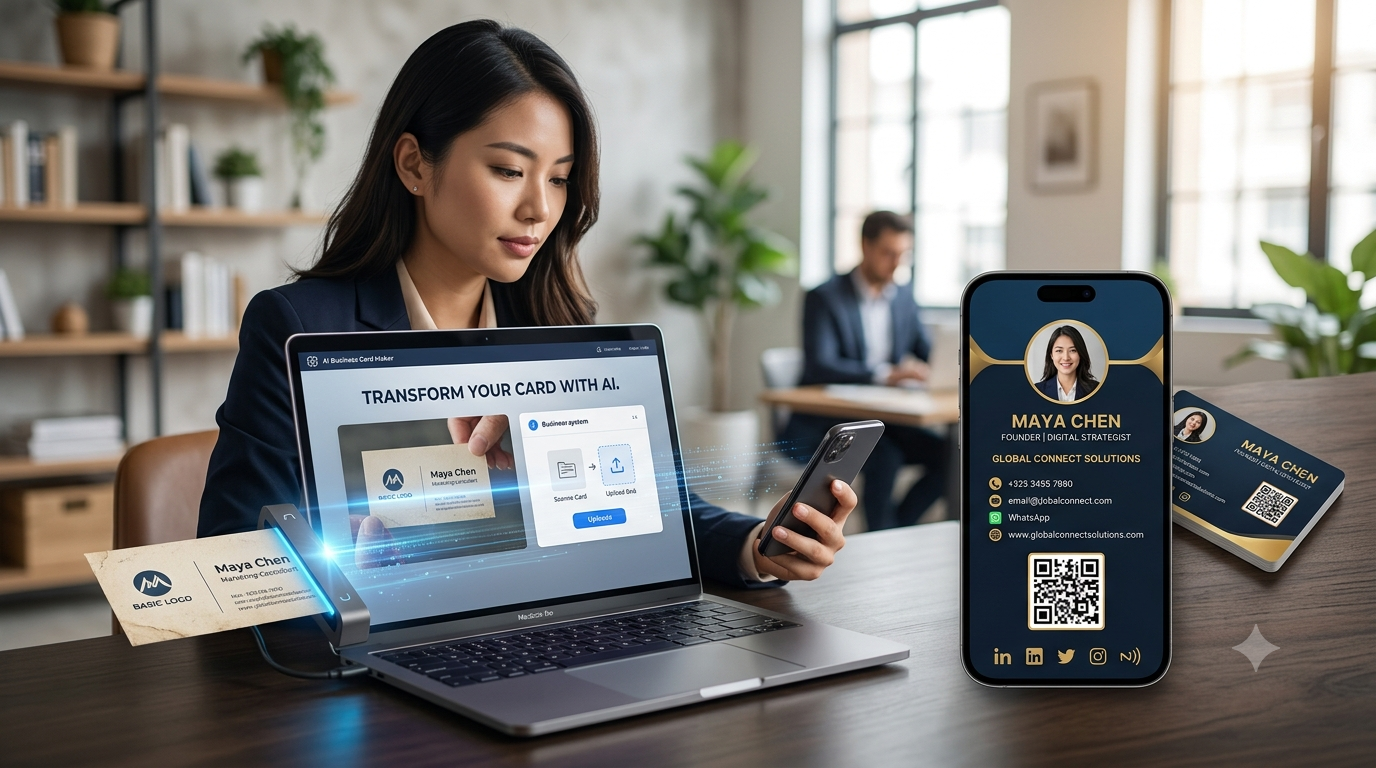
If you already have a physical business card,YourCard.in allows you to upload a photo of your existing cardand use it to create a digital version.
This can be useful for people who already have printed cards but want to move their professional information online.
Instead of starting from scratch, your existing physical card can become the starting point for your digital business profile.
Can You Create a Free Digital Business Card Without an App?
In many cases, yes.
A web-based digital business card can be accessed through a browser, which means the person receiving your card doesn't necessarily need to install an app.
This is an important advantage when networking.
You can simply send someone your digital card link, and they can open it on their smartphone.
A browser-based profile can make sharing easier across:
- Android phones
- iPhones
- Tablets
- Computers
Free Digital Business Card vs Printed Business Card
If you're deciding whether to create a free digital business card or continue using traditional printed cards, consider the differences.
| Feature | Free Digital Card | Printed Card |
|---|---|---|
| Printing required | 没有 | 现在 |
| Physical card required | 没有 | 现在 |
| Easy to update | 现在 | 没有 |
| Share remotely | 现在 | Difficult |
| QR code | Can be included | Can be printed |
| Website links | Clickable | Usually manual |
| Social profiles | Easy to add | Limited |
| 华盛顿 | Easy access | Manual entry |
| Physical networking | QR/NFC | Hand-to-hand |
| Information capacity | High | Limited |
For many professionals, using both can be a practical solution.
A physical NFC card can provide the traditional feel of a business card while connecting people to a digital profile.
What Should You Include on a Free Digital Business Card?
A good digital card doesn't need to contain every piece of information about you.
Focus on what your audience actually needs.
Essential Information
Include:
- 名称
- Business or job title
- 电话
- 电子邮件
- 华盛顿
- 网站
Useful Additional Information
Depending on your profession:
- Profile photo
- 标志
- Social media
- Business address
- 服务
- Portfolio
- Product catalogue
- Booking link
- 证词
Avoid Unnecessary Information
Don't overload your card with information that doesn't help your visitors.
Your goal is to make it easy for someone to understand:
Who are you? What do you do? How can I contact you?
Benefits of Creating a Digital Business Card for Free
1. No Printing Cost
You don't need to print hundreds of cards just to start sharing your professional information.
2. Easy to Share
Send your card through a link, QR code, WhatsApp, email or social media.
3. Easy to Update
If your contact information changes, you can update your digital profile instead of printing new cards.
4. More Information
You can include links, social profiles, websites, services and other digital content.
5. Professional Online Presence
A well-designed digital business card can make it easier for customers and contacts to discover your business online.
6. Useful for Remote Networking
You can share your card even when you aren't physically meeting someone.
How to Make Your Free Digital Business Card Look Professional
Creating a free card doesn't mean it should look basic.
Follow these tips.
Use a Professional Photo
If your profession involves personal networking, use a clear and professional profile picture.
Add Your Logo
Businesses should use their brand logo where appropriate.
Keep the Design Simple
Avoid excessive colors, animations and unnecessary elements.
Highlight Your Main Action
If you want customers to contact you through WhatsApp, make the WhatsApp option easy to find.
Use Clear Information
Don't use complicated descriptions.
Explain what you do in a way that your customers can understand quickly.
Make It Mobile-Friendly
Most people will open your digital card on a smartphone, so your profile should be easy to read and navigate on smaller screens.
Can You Add WhatsApp to a Digital Business Card?
Yes.
Adding WhatsApp can be particularly useful for businesses that communicate with customers through messaging.
Instead of asking someone to manually save your number and search for you on WhatsApp, your digital profile can provide a direct way to start a conversation.
This is particularly useful for:
- Local businesses
- Freelancers
- Consultants
- Real estate agents
- Online sellers
- Service providers
- Home businesses
Can a Free Digital Business Card Help You Get Customers?
A digital business card isn't a replacement for marketing, but it can make it easier for potential customers to contact you after discovering your business.
例如:
Meeting → Share Digital Card → Customer Opens Profile → Views Services → WhatsApp → Enquiry
The fewer steps a customer needs to take, the easier it can be to start a conversation.
For businesses that rely heavily on WhatsApp, this can be particularly useful.
Can You Sell Products Through a Digital Business Card?
A digital business card can also act as a gateway to your products or services.
YourCard.in allows users to create online stores or product catalogues with categories and direct customers to WhatsApp for purchases.
例如:
Digital Business Card → Online Store → Product Category → Product → WhatsApp
This can be useful for small businesses that want an online catalogue without building a complex e-commerce website.
What Is the Difference Between a Free Digital Card and an NFC Business Card?
A free digital business card is theonline profile.
An NFC business card is aphysical card containing NFC technologythat can be used to open or share that online profile.
Think of it this way:
Digital Business Card = Your Online Identity
NFC Card = A Physical Way to Share Your Online Identity
You can start with a free digital card and later add an NFC card if you regularly attend networking events or meet customers in person.
Who Should Create a Free Digital Business Card?
A free digital business card can be useful for:
- Entrepreneurs
- Freelancers
- Students
- Job seekers
- Consultants
- Salespeople
- Real estate agents
- Small business owners
- Creators
- Coaches
- Photographers
- Designers
- Developers
- Local service providers
If you regularly need to share your professional contact information, a digital business card can be worth considering.
常见的问题
Can I create a digital business card for free?
Yes. Several platforms provide free options for creating basic digital business cards. The features available depend on the platform.
How can I create a digital business card for free?
Choose a digital business card platform, add your contact and professional information, customize your profile, and share the resulting digital card link or QR code.
Is a free digital business card better than a paper card?
A digital card offers advantages such as easy updates, remote sharing, clickable links and greater information capacity. A paper card can still be useful for traditional face-to-face networking.
Can I add WhatsApp to my digital business card?
Yes. Adding WhatsApp can make it easier for customers and contacts to start a conversation directly from your digital profile.
Can I create a digital business card from my existing physical card?
Yes. YourCard.in allows users to upload a photo of their existing physical business card and use it to create a digital version.
Do I need an app to share a digital business card?
Not necessarily. Many digital business cards can be opened through a web browser using a shareable link.
Can I use a QR code with a free digital business card?
Yes, when the platform provides QR functionality. A QR code can make it easy to share your digital profile during face-to-face meetings.
Can I use an NFC card with my digital business card?
Yes. An NFC card can be linked to your digital business profile and provide a convenient tap-to-share experience.
Final Thoughts
Creating adigital business card for freeis a simple way to start building a modern professional presence without spending money on printing.
A good digital card should make it easy for people to understand who you are, what you do and how they can contact you.
Start with the essentials — your name, business, phone, email, WhatsApp, website and social profiles. Then add features such as QR sharing, NFC, products or services as your needs grow.
WithYourCard.in, you can create a digital business card, convert an existing physical card into a digital profile, order NFC cards, and even create an online store that connects customers to WhatsApp.
Start creating your digital business card and make your next business connection easier to share, save and remember.