How to Add a Digital Business Card to Your Phone: Complete Guide
Why Add a Digital Business Card to Your Phone?
Business networkingis becoming increasingly digital.
Instead of carrying a wallet full of traditional business cards, you can keep digital business cards accessible from your smartphone.
A digital business card can contain much more than a name and phone number.
Depending on the platform, it can include:
- 名前
- Company
- Job title
- Phone number
- メール
- ワトスアップ
- ウェブサイト
- Social media
- Business address
- 製品
- サービス
- Portfolio
- QR code
Once your digital business card is saved or easily accessible on your phone, you can share it whenever you meet a customer, client or business contact.
The process can be as simple as:
Create Digital Card → Open on Phone → Save/Share → Connect
What Is a Digital Business Card?
A digital business card is an online version of a traditional business or visiting card.
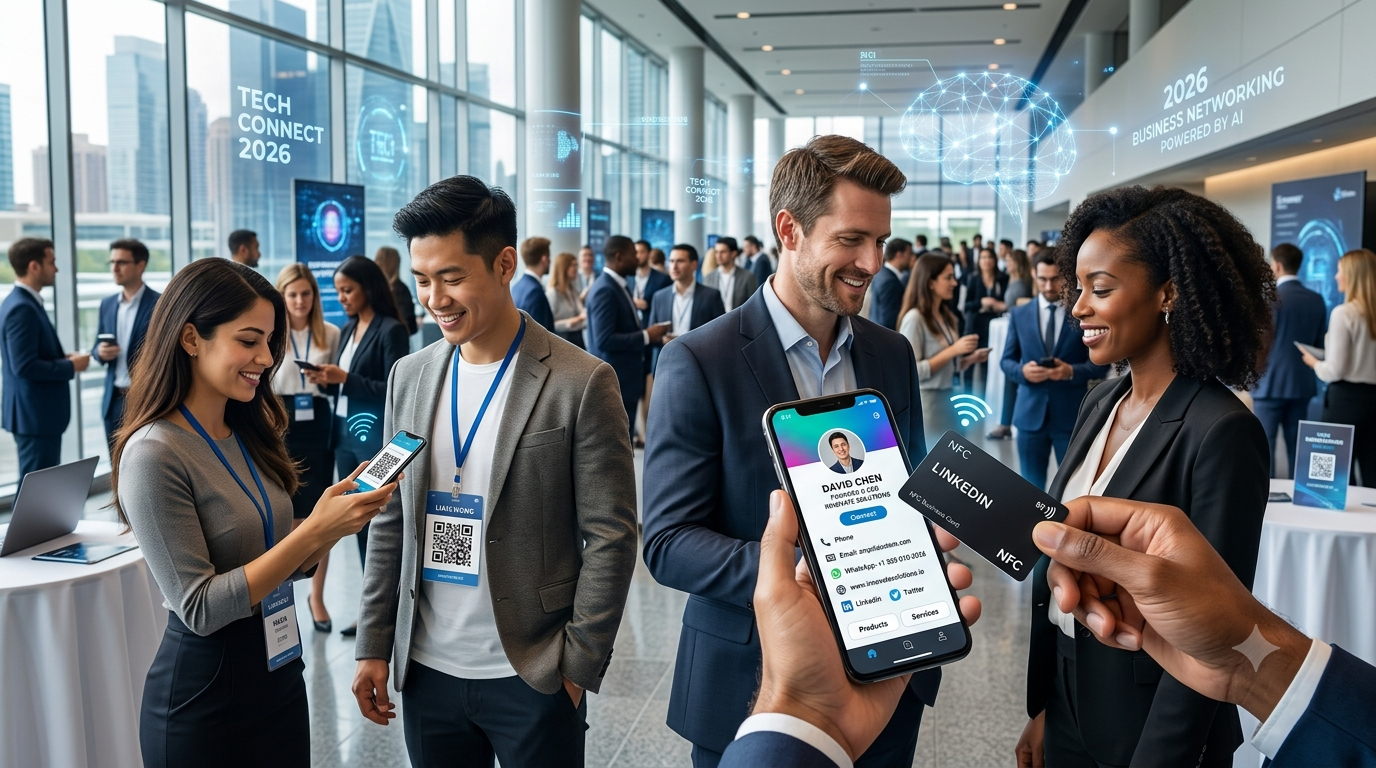
Instead of being printed on paper, your information is stored in a digital profile that can be accessed through a link, QR code, NFC card or other digital sharing methods.
Unlike a traditional card, digital business cards can include clickable actions.
例えば:
呼び出し→ Call you
メール→ Send an email
ワトスアップ→ Start a WhatsApp conversation
ウェブサイト→ Visit your website
インスタグラム→ Open your profile
リンクイン→ Connect professionally
This makes a digital business card particularly useful on smartphones.
Can You Add a Digital Business Card to Your Phone?
Yes.
There are several ways to keep adigital business cardeasily accessible on your phone.
The best method depends on the platform and the features it provides.
You can:
- Save the contact information to your phone
- Save thedigital card link
- Add the website to your phone's home screen
- Save or share the QR code
- Use an NFC business card
- Use a supported digital contact or wallet feature
Let's look at each option.
Method 1: Save the Digital Business Card as a Contact
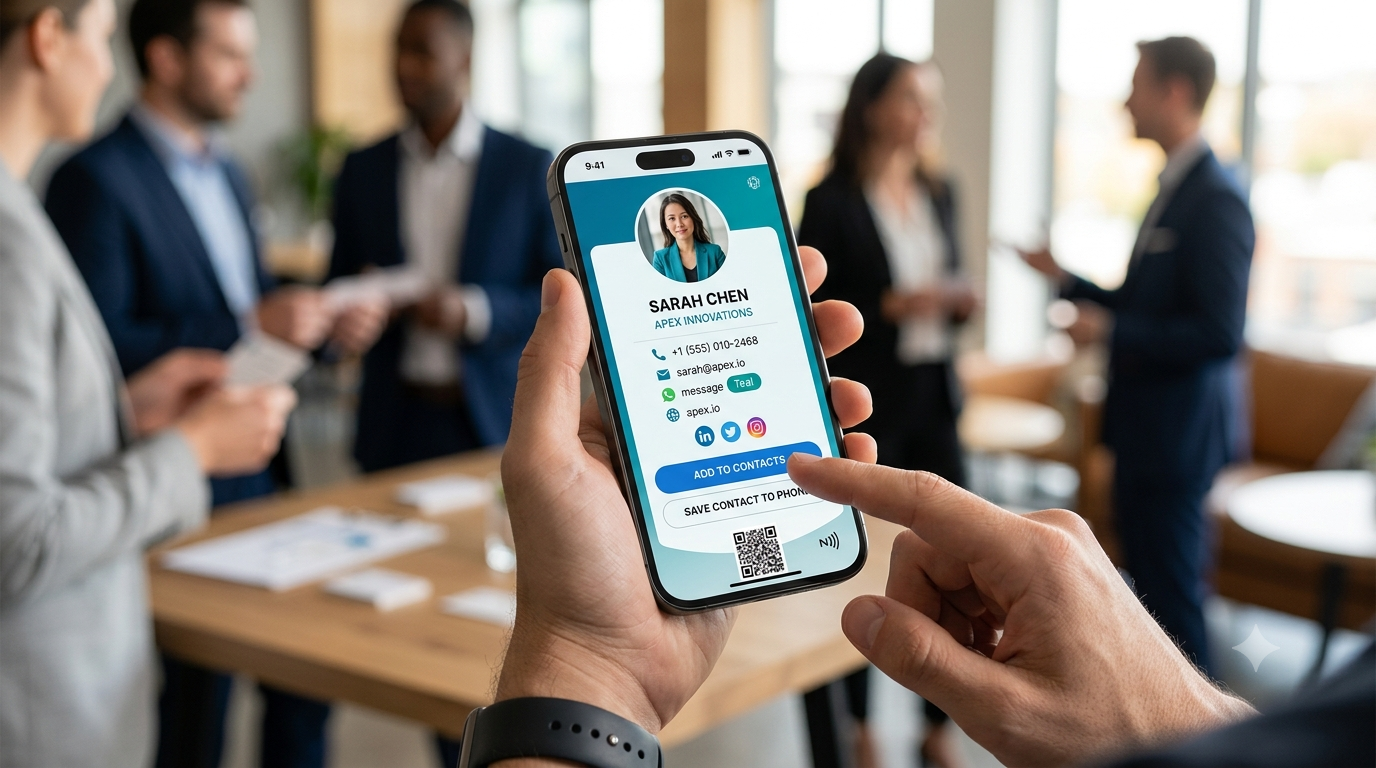
One of the simplest options is to save the person's information directly to your phone's contacts.
If the digital business card provides a連絡先を保存するoption, tap it.
You may then be able to save:
- 名前
- 電話
- メール
- Company
- Job title
- ウェブサイト
- アドレス
Basic Process
Open Digital Business Card
↓
Tap "Save Contact"
↓
Choose Contacts
↓
Review Information
↓
保存する
This is useful when you want the person's phone number and other information available in your phone's address book.
Method 2: Save Your Own Digital Business Card Link
If you wantyour own digital business cardeasily available on your phone, save the card's URL.
例えば:
Your Digital Business Card → Copy Link → Save in Notes / Browser / Messaging App
You can then open the link whenever you need to share your card.
This is particularly useful for professionals who frequently meet customers.
Method 3: Add Your Digital Business Card to Your Phone's Home Screen
Many modern smartphones and browsers allow websites to be added to the home screen.
This can make your digital business card behave more like an app shortcut.
General Process
- Open your digital business card in your mobile browser.
- Open the browser menu.
- Look forホーム画面に追加or a similar option.
- Confirm the shortcut.
- A shortcut to your digital card will appear on your phone.
The exact wording and steps can vary between Android devices, iPhones and browsers.
Once added, you can tap the shortcut whenever you want to show your card.
Method 4: Save the QR Code
Many digital business cards provide a QR code.
You can save the QR code image on your phone.
Then, when someone wants your business details, you can show the QR code on your screen for them to scan.
The process is:
Open QR Code → Show Phone Screen → Person Scans → Digital Card Opens
This can be useful at:
- Networking events
- Conferences
- Meetings
- Exhibitions
- Customer visits
Method 5: Use an NFC Business Card
NFC is another convenient way to share a digital business card.
AnNFC business cardcontains an NFC chip that can direct a compatible smartphone to your digital profile.
The interaction is:
Tap NFC Card → Digital Business Card Opens
Your digital profile can then provide:
- Contact information
- ワトスアップ
- ウェブサイト
- Social media
- 製品
- サービス
For professionals who meet customers in person, NFC can provide a quick and memorable way to share a digital profile.
Method 6: Save the Digital Card Through Your Contacts
If someone sends you their digital business card through WhatsApp, email or another messaging platform, you can open the card and look for options such as:
連絡先を保存する
or
Add to Contacts
If available, use that option to transfer the relevant information to your phone's contacts.
This is useful because you can then find the person later even if you don't have an internet connection.
However, saving a contact may not preserve all the interactive elements of the digital business card.
For example, the contact entry may not include:
- Product catalogue
- Portfolio
- Social media links
- Online store
- Custom digital profile
For those features, keep the original digital-card link as well.
Android: How to Save a Digital Business Card
On Android phones, the exact interface can differ depending on the manufacturer and Android version.
Generally:
Step 1
Open the digital business card link.
Step 2
Look for a button such as:
連絡先を保存する
Step 3
Tap it.
Step 4
Select your contacts application if prompted.
Step 5
Review the information.
Step 6
Tap保存する.
You can then access the contact from your phone's address book.
iPhone: How to Save a Digital Business Card
On an iPhone, the process can also vary depending on the digital business card platform.
Generally:
Step 1
Open the digital business card in Safari or another browser.
Step 2
Look forAdd Contact,連絡先を保存するor a similar option.
Step 3
Tap the option.
Step 4
Review the contact information.
Step 5
Save it to your Contacts.
You can then find the person's information through the Contacts app.
How to Add Your Own Digital Business Card to Your Phone
If you're a business owner or professional, you may want your own digital card available at all times.
A good setup is:
Option 1: Home Screen Shortcut
Add your digital business card to your phone's home screen.
Option 2: Browser Bookmark
Save the card as a bookmark.
Option 3: QR Code
Keep the QR code in your phone's gallery.
Option 4: NFC Card
Carry your NFC business card with you.
Option 5: Contact Card
Save your own information in your phone's contacts.
Using more than one method gives you a backup.
How to Add YourCard.in Digital Business Card to Your Phone
WithYourCard.in, you can create a digital business card and access it from your smartphone.
Your profile can include:
- 名前
- Business name
- Designation
- 電話
- メール
- ワトスアップ
- ウェブサイト
- Social media
- Business information
- 製品
- サービス
Once your digital card is created, you can open it on your smartphone and keep the link easily accessible.
Recommended Setup
Create YourCard.in Digital Card
↓
Open It on Your Phone
↓
Add It to Your Home Screen
↓
Keep the QR Code Available
↓
Use an NFC Card for Physical Networking
This gives you multiple ways to share your professional information.
Already Have a Physical Business Card?
If you already have a traditional business card, you don't necessarily need to manually recreate everything.
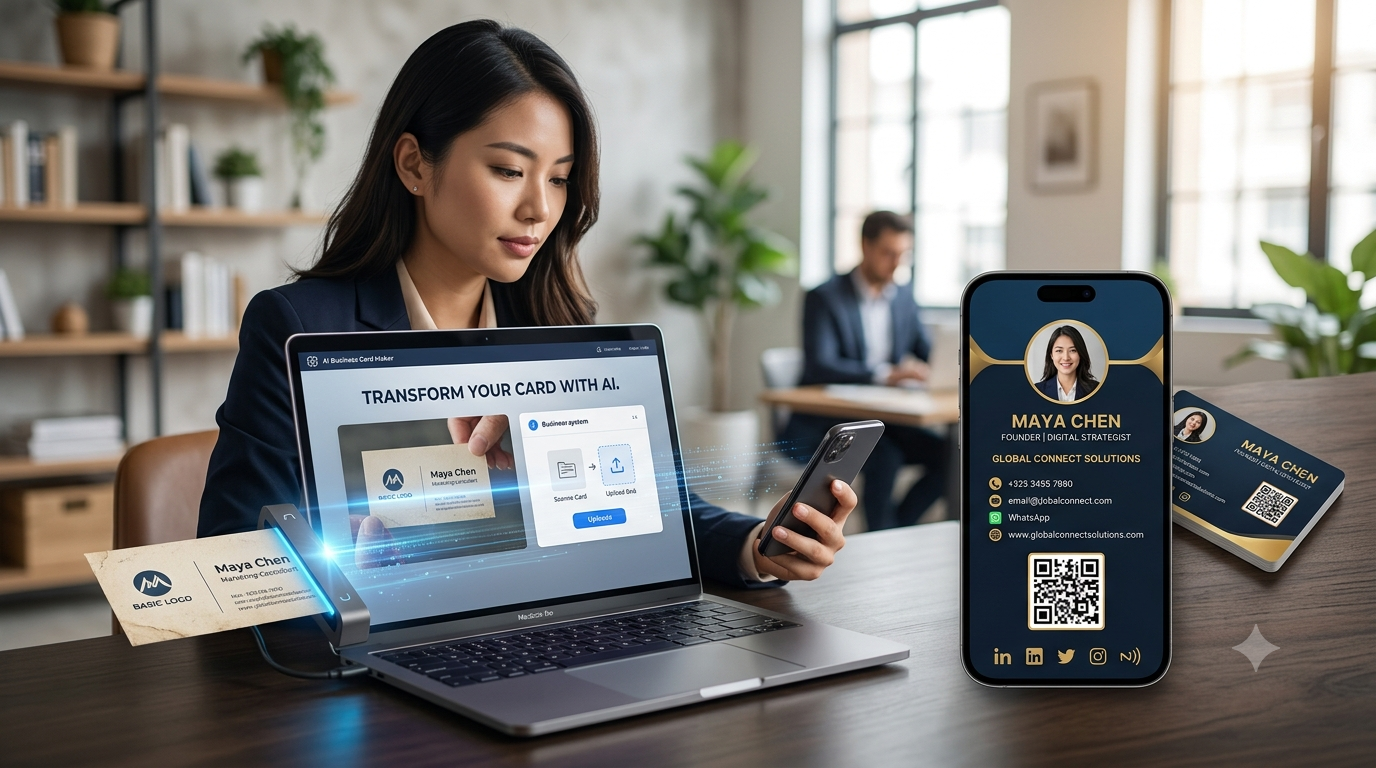
YourCard.in provides an AI-powered feature that allows you toupload a photo of your existing physical business cardand use it to create a digital business card.
The workflow can be:
Physical Business Card
↓
Take Photo
↓
Upload to YourCard.in
↓
AI Extracts Information
↓
Review & Edit
↓
デジタルビジネスカード
↓
Save & Share From Your Phone
This can save time when moving from a traditional card to a digital one.
Digital Business Card + Phone Contacts
It's important to understand the difference between adigital business cardand asaved phone contact.
Saved Contact
Stores basic information in your phone.
デジタルビジネスカード
Can provide an interactive online profile.
例えば:
| Feature | Phone Contact | デジタルビジネスカード |
|---|---|---|
| 名前 | わかった | わかった |
| 電話 | わかった | わかった |
| メール | わかった | わかった |
| Company | わかった | わかった |
| ウェブサイト | わかった | わかった |
| WhatsApp button | Depends | わかった |
| Social media | Limited | わかった |
| 製品 | 違う | わかった |
| サービス | Limited | わかった |
| Online store | 違う | わかった |
| QR code | 違う | Can have |
| NFC | 違う | Can connect |
For this reason, it's often useful tosave the contact and keep the digital-card link.
Why Keep Both the Contact and Digital Card?
Suppose you meet a customer.
You save their contact to your phone.
That's useful for calling them later.
But their digital business card may also contain:
- Company website
- サービス
- Social profiles
- Portfolio
- 製品
- 場所
So a good approach is:
Save Contact + Keep Digital Card Link
This gives you both quick communication and access to additional information.
How to Share Your Digital Business Card From Your Phone
Once your digital business card is saved on your phone, sharing it is easy.
You can share it through:
ワトスアップ
Send your digital-card link directly to a contact.
メール
Add your digital-card link to your email.
SMS
Send the link in a text message.
QRコード
Show the QR code on your phone.
Social Media
Add the card link to your social profiles where appropriate.
NFC
Tap your NFC card against a compatible smartphone.
Digital Business Card for Networking Events
A smartphone makes digital business cards especially useful at networking events.
Instead of carrying a large stack of cards, you can keep your digital card on your phone.
When you meet someone:
Meet → Open Card → Share Link/QR → Connect
You can also carry an NFC business card for even faster sharing.
This can be useful at:
- Business conferences
- Exhibitions
- Trade shows
- Seminars
- Networking events
- Client meetings
Digital Business Cards for Sales Professionals
Salespeople can use their phones to keep their digital business cards ready for every customer interaction.
例えば:
Meet Customer
↓
Show NFC / QR
↓
Customer Opens Digital Card
↓
Views Products
↓
Clicks WhatsApp
↓
Starts Conversation
This turns the smartphone and digital card into a useful sales networking tool.
Digital Business Cards for Small Businesses
Small businesses can also use digital cards to create a simple online presence.
A digital profile can include:
- Business information
- Contact details
- ワトスアップ
- 製品
- サービス
- ウェブサイト
- Social media
- 場所
With YourCard.in, users can also create online stores with different categories and redirect customers to WhatsApp for purchases.
This means your digital business card can become an entry point to your business and products.
Best Practices for Keeping a Digital Business Card on Your Phone
1. Add It to Your Home Screen
This makes your card easy to access.
2. Keep Your Information Updated
Check your phone, email and business details regularly.
3. Save Your QR Code
Keep a copy where you can access it quickly.
4. Keep Your Digital Card Link
Don't rely only on a screenshot.
The live digital profile can contain updated information and clickable features.
5. Carry an NFC Card
If you frequently meet people in person, an NFC card can make sharing faster.
6. Test Your Card
Open the profile on your phone before important meetings and make sure all buttons and links work.
Common Mistakes to Avoid
Only Saving a Screenshot
A screenshot is not an interactive digital business card.
Not Updating Information
An outdated phone number or email can cause missed opportunities.
Forgetting Your Digital Card Link
Make sure you can access the live profile quickly.
Not Testing WhatsApp
If WhatsApp is important for your business, test the button regularly.
Using Too Many Links
Keep your digital profile organized so visitors can quickly find what they need.
よく 聞かれる 質問
Can I save a digital business card on my phone?
Yes. You can save the contact information, bookmark the digital-card link or add the card's website to your phone's home screen, depending on your device and platform.
Can I add a digital business card to my phone contacts?
Yes, if the digital business card provides a Save Contact or Add Contact option.
Can I add a digital business card to my iPhone?
Yes. You can save its contact information or keep the digital-card link accessible through Safari or a home-screen shortcut.
Can I add a digital business card to Android?
Yes. You can save the contact, bookmark the card or add the website to your home screen depending on the browser and device.
Can I save a digital business card without an app?
Yes. If the card is web-based, you can usually access it through your mobile browser without installing an app.
Can I use an NFC card with my phone?
Yes. NFC-enabled smartphones can interact with compatible NFC cards.
Can I share my digital business card through WhatsApp?
Yes. You can copy your digital-card link and send it through WhatsApp.
Can I create a digital business card from my existing physical card?
Yes. With YourCard.in, you can upload a photo of your existing physical business card and use its AI-powered feature to help create a digital business card.
Final Thoughts
Adding a digital business card to your phone makes your professional information available whenever you need it.
Instead of carrying a stack of printed cards, you can keep your digital profile just a tap away.
The best setup can combine:
Digital Business Card + Phone Contact + QR Code + NFC + WhatsApp
WithYourCard.in, you can create a digital business card, use AI to convert an existing physical business card into a digital version, add contact and business information, connect WhatsApp and social media, showcase products and services, and share your profile directly from your phone.
For modern professionals and businesses, your smartphone can become yourdigital networking toolkit.
Create your digital business card with YourCard.in and keep your professional identity ready to share anytime, anywhere.