Digital Business Card With QR Code: How It Works and Why You Need One
What Is a Digital Business Card With a QR Code?
אdigital business card with a QR codecombines a modern online business profile with one of the easiest ways to share information offline.
Instead of manually typing a website address, phone number or email address, someone can simplyscan a QR codewith their smartphone and open your digital business card.
Your digital profile can contain:
- שם
- Job title
- Business name
- Phone number
- דואר אלקטרוני
- אתר אינטרנט
- Social media
- Business location
- שירותים
- מוצרים
- Other important links
This makes a QR-enabled digital business card useful for networking, marketing and customer communication.
WithYourCard.in, you can create a digital business card and use QR-based sharing to make it easier for people to access your professional profile.
How Does a QR Digital Business Card Work?
The process is simple.
Your digital business card has a unique QR code associated with your digital profile.
When someone scans the QR code:
Scan QR Code → Open Digital Business Card → View Information → Connect
The person can then interact with the information on your digital profile.
For example, they might:
- Save your contact
- Call you
- Send you an email
- Contact you on WhatsApp
- Visit your website
- Follow your social media
- View your products
- Find your business location
The QR code acts as a bridge between thephysical world and your digital business presence.
Why Use a QR Code on a Digital Business Card?
QR codes make sharing digital information extremely convenient.
Instead of asking someone to type a long URL or manually enter your contact information, you can simply show them your QR code.
This can be especially useful when meeting people in person.
Quick Sharing
A QR code can be scanned within seconds.
No Manual Typing
The recipient doesn't need to type your website or profile URL.
Works With Smartphones
Modern smartphones generally provide built-in QR scanning capabilities through their camera or related features.
Easy to Display
You can place the QR code on both digital and physical marketing materials.
Connects Offline and Online
A QR code can turn a physical interaction into a digital connection.
Digital Business Card vs QR Code: What's the Difference?
A common question is whether a QR code and digital business card are the same thing.
They aren't.
אdigital business cardis the online profile containing your professional information.
אQR codeis a method of accessing or sharing that profile.
Think of it this way:
Digital Business Card = Your Digital Profile
QR Code = The Doorway to Your Digital Profile
The two work together to create a convenient sharing experience.
What Information Can You Include?
A QR code doesn't have to lead to a page containing only your phone number.
Your digital business card can provide a complete professional profile.
מידע קשר
Include:
- Full name
- Phone number
- דואר אלקטרוני
- Business address
Professional Information
Add:
- Job title
- Company name
- Business description
- שירותים
- Professional experience
אתר אינטרנט
Let visitors open your website directly from the profile.
Social Media
Connect relevant profiles such as:
- לינקדאין
- אינסטגרם
- פייסבוק
- יוטוב
- X
Products and Services
If you run a business, you can showcase what you sell or offer.
How to Create a Digital Business Card With a QR Code
Creating a QR-enabled digital business card doesn't have to be complicated.
Step 1: Choose a Digital Business Card Platform
Choose a platform that allows you to create and share a digital business profile.
YourCard.inprovides tools for creating digital business cards for personal and business use.
Step 2: Add Your Information
Enter your:
- שם
- עסקים
- טלפון
- דואר אלקטרוני
- אתר אינטרנט
- Social profiles
- Business details
Only add information that is useful to your target audience.
Step 3: Customize Your Profile
Add your:
- Profile photo
- Business logo
- Brand colors
- Professional description
- Relevant links
Keep the design simple and easy to navigate.
Step 4: Use Your QR Code
Once your digital business card is ready, your QR code can be used to provide quick access to the profile.
Step 5: Share Your QR Code
You can display it on physical or digital marketing materials.
Where Can You Use a QR Digital Business Card?
One of the biggest benefits of QR technology is its flexibility.
You can use your QR business card in many places.
1. Physical Business Cards
Print the QR code on your traditional business card.
This creates a combination of:
Physical Card + QR Code + Digital Business Profile
Someone can scan the code after receiving your card and access your complete information.
2. NFC Business Cards
You can combine QR and NFC technology.
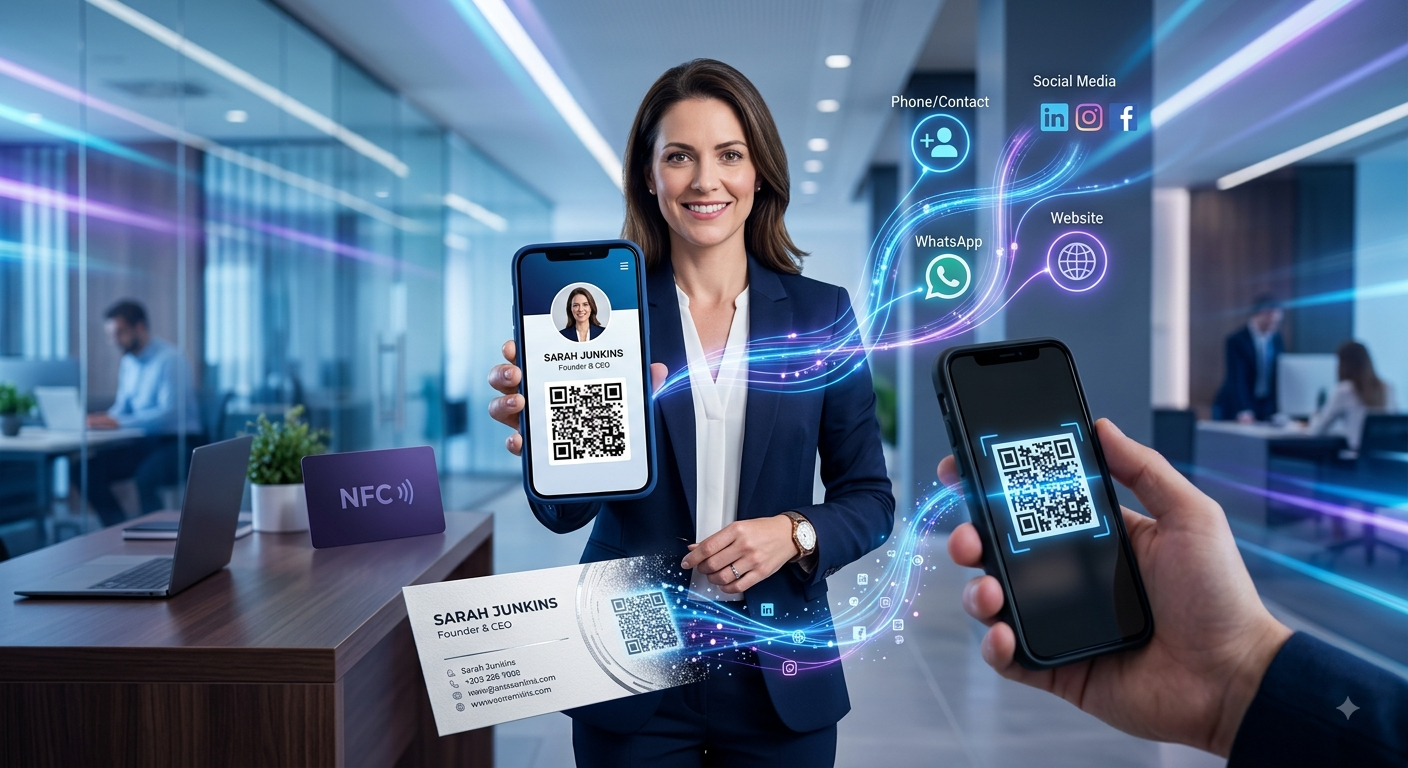
For example, an NFC business card can provide tap-based sharing while the same card can also display a QR code for people who prefer scanning.
This gives people two ways to access your digital profile.
3. Office Reception
Businesses can display a QR code at reception.
Visitors can scan it to access:
- Contact information
- אתר אינטרנט
- Social profiles
- Business details
4. Shop Counters
Local businesses can place a QR code near the checkout counter.
Customers can scan it to discover your:
- Digital profile
- Social media
- מוצרים
- אתר אינטרנט
5. Brochures and Flyers
Instead of filling a brochure with long URLs, you can use a QR code.
Customers can scan it and access your digital profile immediately.
6. Events and Conferences
QR codes are particularly useful at networking events.
Instead of manually exchanging contact details with every person, you can simply show your QR code.
7. Social Media
You can display your QR code on your social media content or profile where appropriate.
This can help move people from an offline or visual interaction to your digital business profile.
Benefits of a Digital Business Card With QR Code
1. Faster Networking
A QR scan can take only a few seconds.
This makes it useful when meeting multiple people at events.
2. Easy Contact Sharing
Your contact details can be accessed from one digital profile.
3. More Information
You're not restricted by the limited space of a printed card.
4. Easy to Update
When your digital profile changes, you can update the information without necessarily changing the QR code, depending on how the QR code is configured.
5. Remote and Offline Sharing
Your digital card can be shared through a link online, while the QR code makes it convenient during face-to-face meetings.
6. Better Customer Experience
Instead of manually entering contact details, customers can access your profile quickly.
7. Professional Appearance
A well-designed QR business card can make your networking process feel modern and organized.
QR Code vs NFC Business Card
QR and NFC are two popular ways to share digital business cards.
| Feature | קוד QR | NFC |
|---|---|---|
| Sharing method | סריקה | Tap |
| Physical card required | לא, לא. | Usually yes |
| Smartphone required | כן, כן. | כן, כן. |
| Easy to print | כן, כן. | לא, לא. |
| Works on marketing materials | כן, כן. | לא, לא. |
| Great for physical cards | כן, כן. | כן, כן. |
| Sharing experience | סריקה | Tap |
| Internet may be needed to open profile | Usually | Usually |
| Cost to implement | Generally low | Requires NFC hardware/card |
Both technologies can be useful.
A QR code is highly flexible because it can be printed almost anywhere.
NFC provides a convenient tap-to-share experience.
Usingboth togethercan give your customers more choice.
Can You Add WhatsApp to a QR Digital Business Card?
Yes.
WhatsApp can be particularly useful for businesses that receive customer enquiries through messaging.
A customer can:
Scan QR → Open Digital Card → Tap WhatsApp → Start Conversation
This removes several manual steps.
It can be especially useful for:
- Retailers
- Real estate agents
- Consultants
- Freelancers
- Restaurants
- Local service providers
- Home businesses
- Online sellers
Can a QR Digital Business Card Help You Sell Products?
Yes.
A digital business card can act as the starting point for a customer's journey.
WithYourCard.in, businesses can create online stores or product catalogues with different categories.
A customer can scan your QR code and then move from your digital profile to your products.
לדוגמה:
QR Code → Digital Business Card → Online Store → Product → WhatsApp
The customer can then continue the purchase conversation through WhatsApp.
This can be useful for businesses that want a simple online selling experience without requiring a complex e-commerce checkout system.
Can I Convert My Physical Business Card to a QR Digital Card?
Yes.
If you already have a traditional business card, you don't have to manually recreate everything.
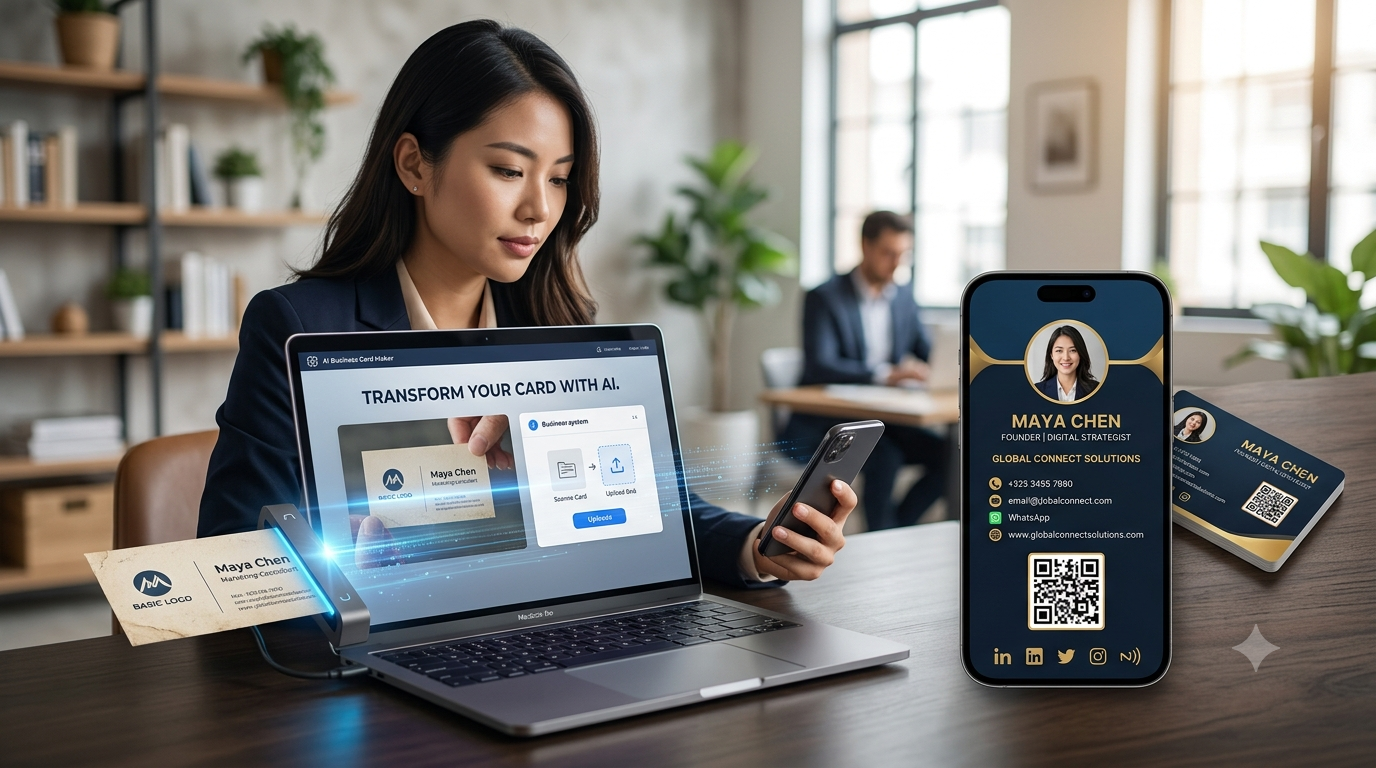
WithYourCard.in, you can upload a photo of your existing physical card and use it as the starting point for creating a digital business card.
Once your digital profile is created, you can use its QR code to share the information digitally.
This creates a simple transition:
Physical Business Card → Upload Photo → Digital Business Card → QR Sharing
Who Should Use a QR Digital Business Card?
QR digital business cards can be useful for almost anyone who regularly shares professional information.
Entrepreneurs
Share your business profile quickly at meetings and events.
Freelancers
Connect your portfolio, contact information and social profiles.
Sales Professionals
Give prospects fast access to your contact details.
Real Estate Agents
Connect clients to your contact information, social profiles and property-related information.
Consultants
Make it easy for potential clients to learn about your services.
Retail Businesses
Connect customers to your store, products and WhatsApp.
Event Professionals
Share your information quickly with attendees.
How to Make Your QR Business Card More Effective
Simply having a QR code isn't enough.
The page it opens should provide a good experience.
Keep Important Information Visible
Visitors should quickly understand who you are and what you do.
Make Contact Options Clear
Put important actions such as:
- התקשר
- דואר אלקטרוני
- אתר אינטרנט
where visitors can easily find them.
Use a Professional Design
Your digital profile should reflect your brand.
Keep the QR Code Easy to Scan
If you print a QR code, make sure it has enough size and contrast for reliable scanning.
Test Before Printing
Always test the QR code with different smartphones before putting it on large quantities of printed material.
Keep Your Profile Updated
An outdated digital card can create a poor customer experience.
Digital Business Card With QR Code for Small Businesses
Small businesses can benefit significantly from QR-enabled digital profiles.
Consider a local salon.
Instead of a printed card containing only:
Salon Name + Phone Number + Address
the business can provide a QR code that opens a digital profile containing:
- Salon information
- Phone number
- אינסטגרם
- מיקום
- שירותים
- Offers
- מוצרים
- Booking or enquiry options
The same QR code can be used on flyers, business cards, posters and the shop counter.
This gives the business a reusable digital connection point.
Why Choose YourCard.in?
YourCard.in is designed to bring multiple business networking features together.
With YourCard.in, users can:
- Create digital business cards
- Create digital visiting cards
- Add contact information
- Add WhatsApp
- Connect social profiles
- Share using QR codes
- Order NFC business cards
- Upload an existing physical business card photo
- Create online stores
- Organize products into categories
- Direct customers to WhatsApp for purchases
This means your QR code doesn't have to lead to a basic contact page.
It can lead to a broaderdigital business presence.
שאלות שכיחות
What is a QR digital business card?
A QR digital business card is an online business profile that can be accessed quickly by scanning a QR code with a smartphone.
How do I create a digital business card with a QR code?
Create a digital business profile, add your contact and business information, and use the QR-sharing functionality provided by your digital business card platform.
Is a QR business card free?
The cost depends on the platform you use. Some platforms offer free digital business card options, while advanced features may require a paid plan.
Can I put a QR code on my physical business card?
Yes. Adding a QR code to a physical card is a simple way to connect a traditional business card to your digital profile.
Can I use QR and NFC together?
Yes. QR codes and NFC can complement each other. QR provides scan-based sharing, while NFC provides tap-based sharing.
Can my QR business card include WhatsApp?
Yes. Your digital profile can include a WhatsApp option, allowing visitors to start a conversation directly.
Can a QR business card include my social media?
Yes. You can connect relevant social media profiles to your digital business card.
Can I sell products through a QR digital business card?
Yes. With YourCard.in, you can connect your digital profile to an online store or product catalogue and direct customers to WhatsApp for purchases.
Can I convert my existing physical business card into a digital card?
Yes. YourCard.in allows you to upload a photo of an existing physical business card and use it to create a digital version.
Final Thoughts
אdigital business card with a QR codeis a simple way to connect traditional face-to-face networking with the digital world.
Instead of handing someone a card and hoping they save the information, you can give them a simple way to open your complete digital profile.
With QR sharing, you can connect customers and professional contacts to your phone, email, WhatsApp, website, social media, products and services.
And when you combine QR sharing with anNFC business card, you can offer both scan-based and tap-based networking.
WithYourCard.in, you can create your digital business card, share it through QR, order NFC cards, convert an existing physical card into a digital profile, and even create an online store connected to WhatsApp.
Create your QR-enabled digital business card with YourCard.in and make your next business connection just one scan away.